 iPhone / iPad · iOS / iPadOS 17.0+
 计算器
高精度计算工作台
从一笔日常开销,到一整页关联公式。把输入、结果和计算依据留在一起,下次修改条件,不必重新算一遍。
1.0.0 准备送审。一次付费下载,安装后全部功能均可使用;无内购、无订阅、无广告。正式下载入口与售价以 App Store 上架后为准。
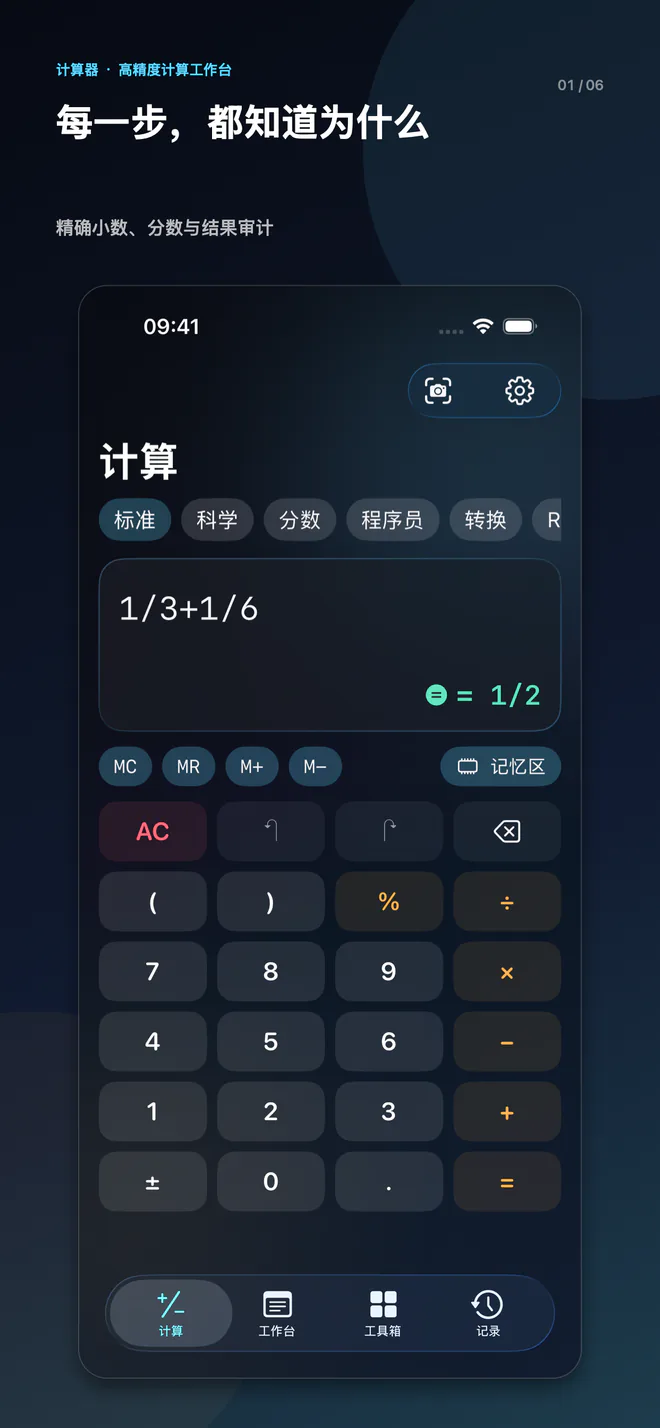
计算,还能检查依据
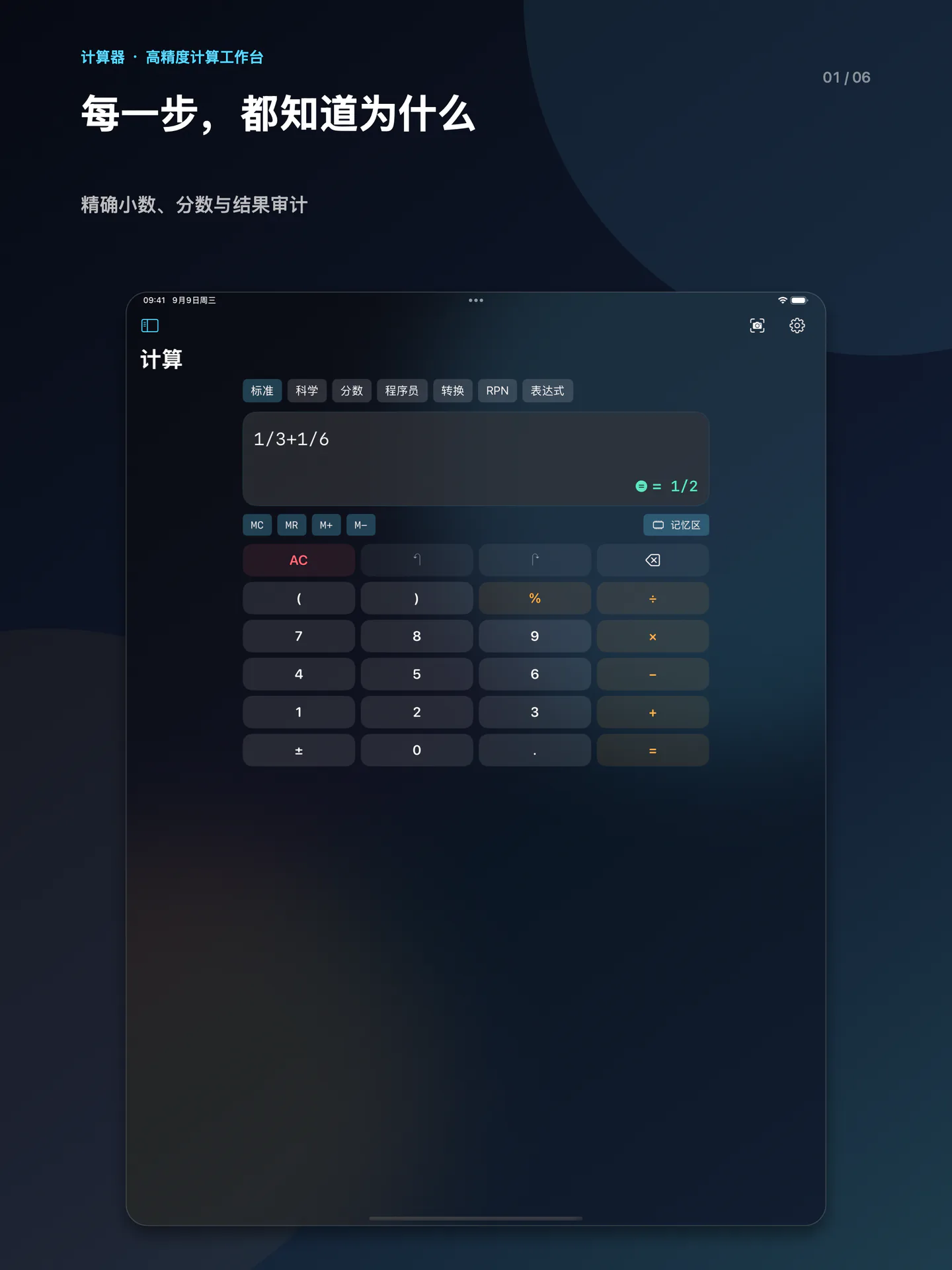
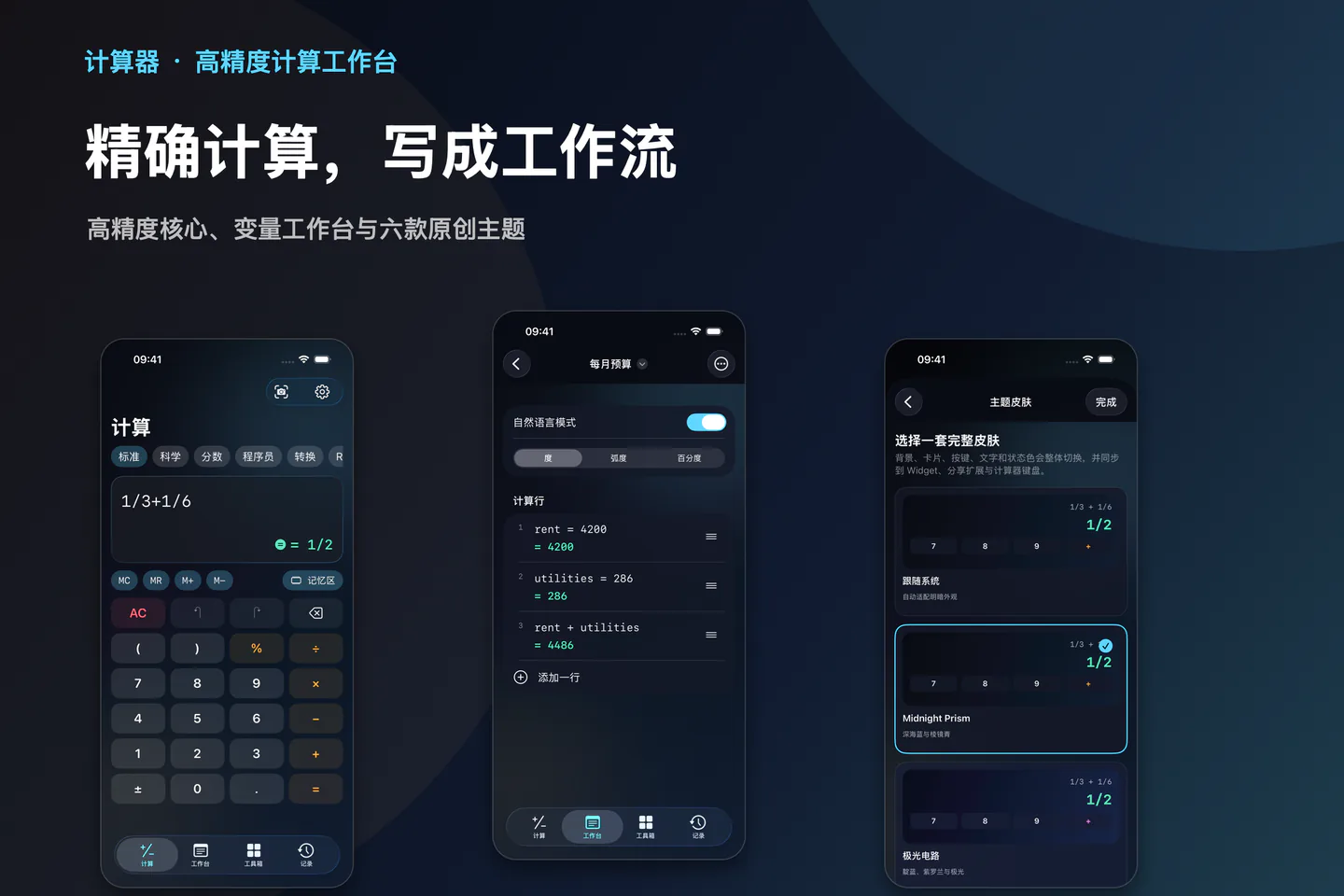
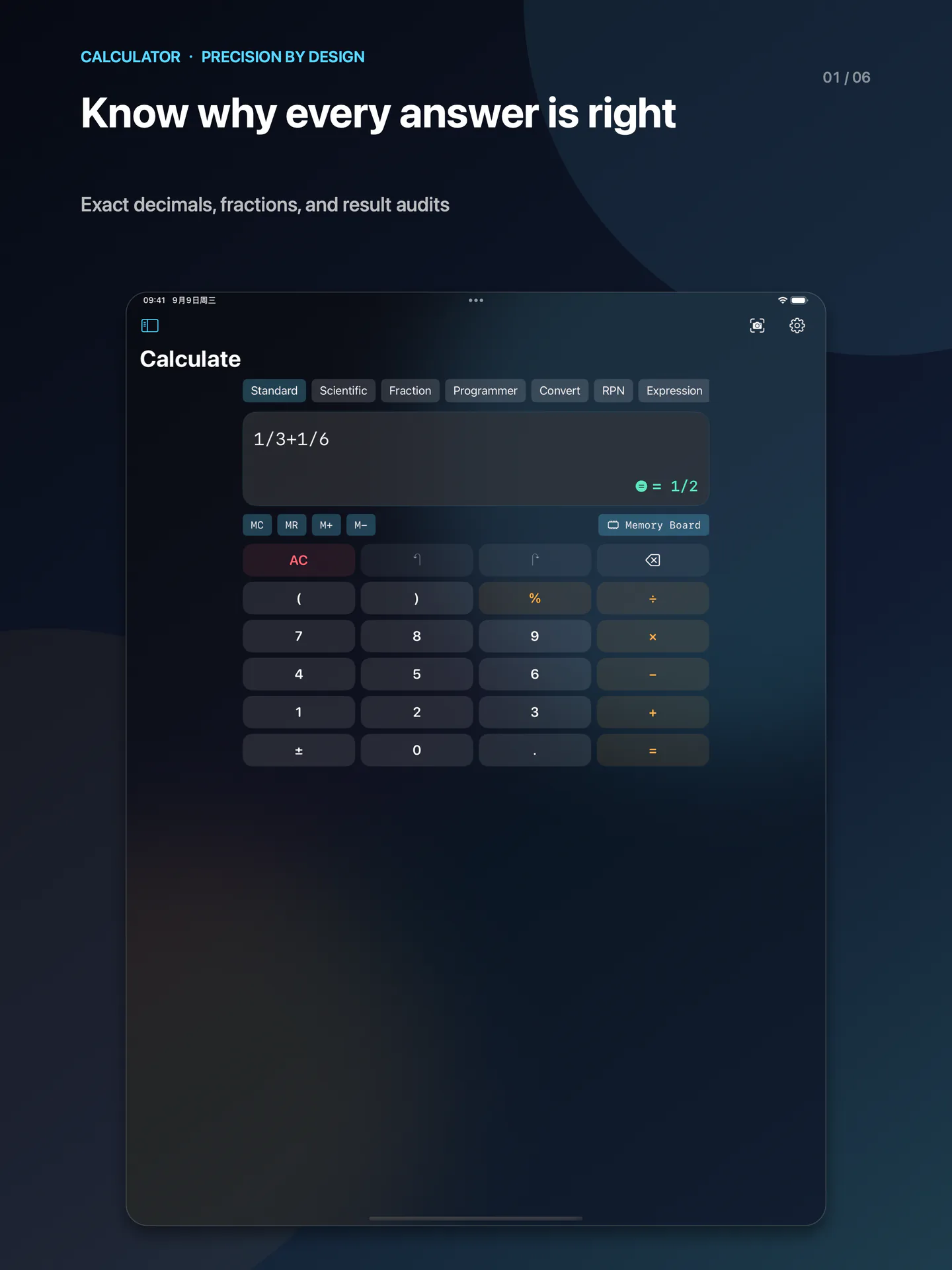
任意精度整数、十进制与有理数,支持标准、科学、分数、程序员、转换和 RPN 模式。审计页查看步骤、精度与舍入信息;数值近似结果不冒充精确值。
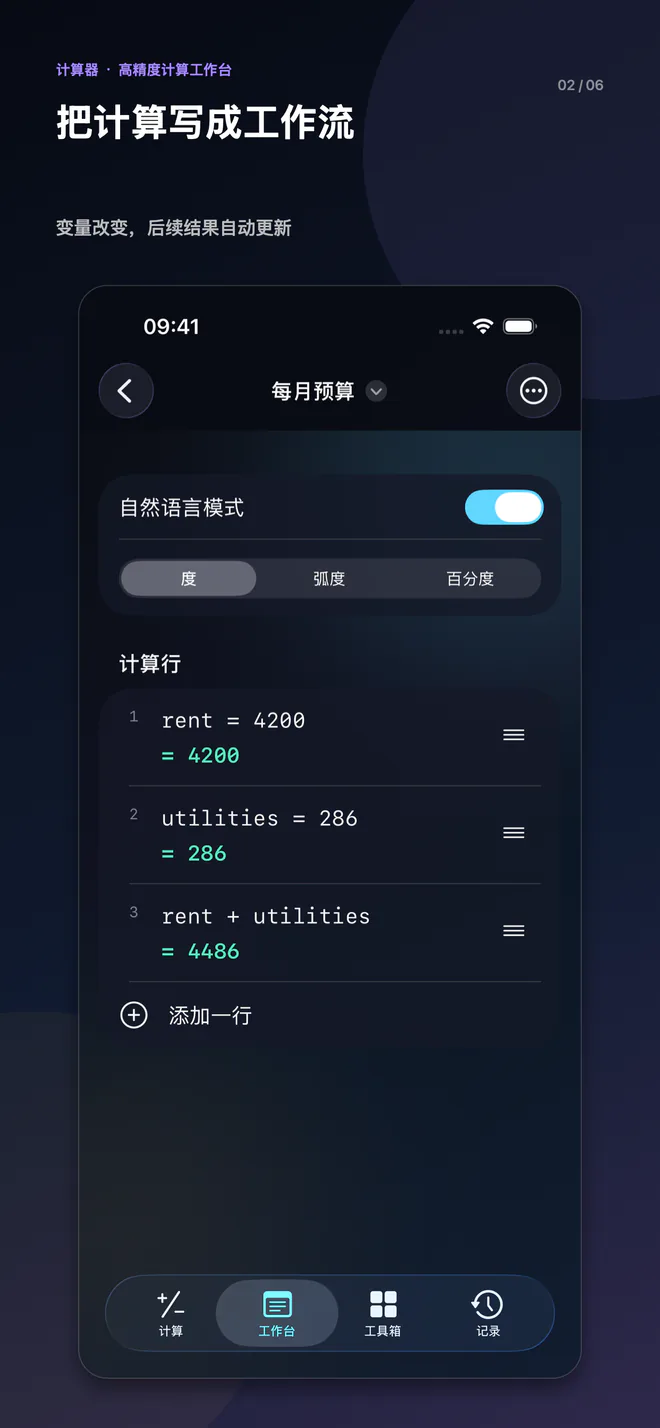
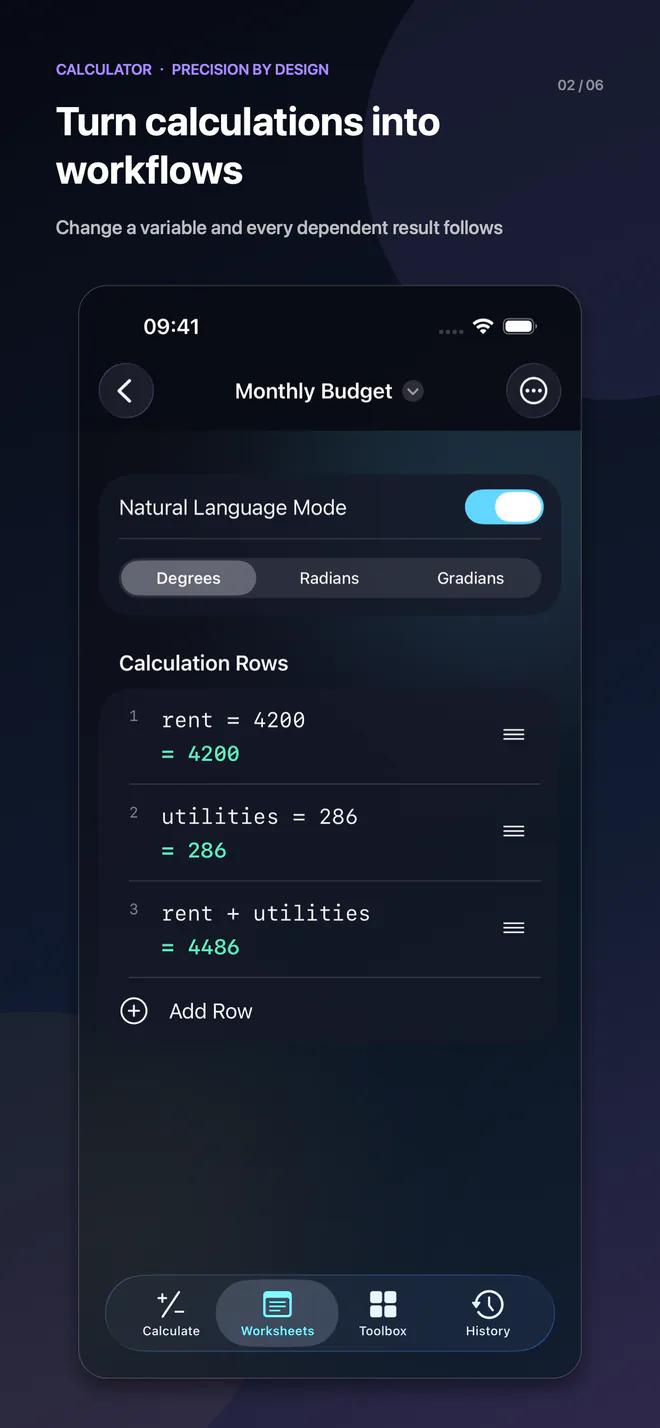
一处修改,关联重算
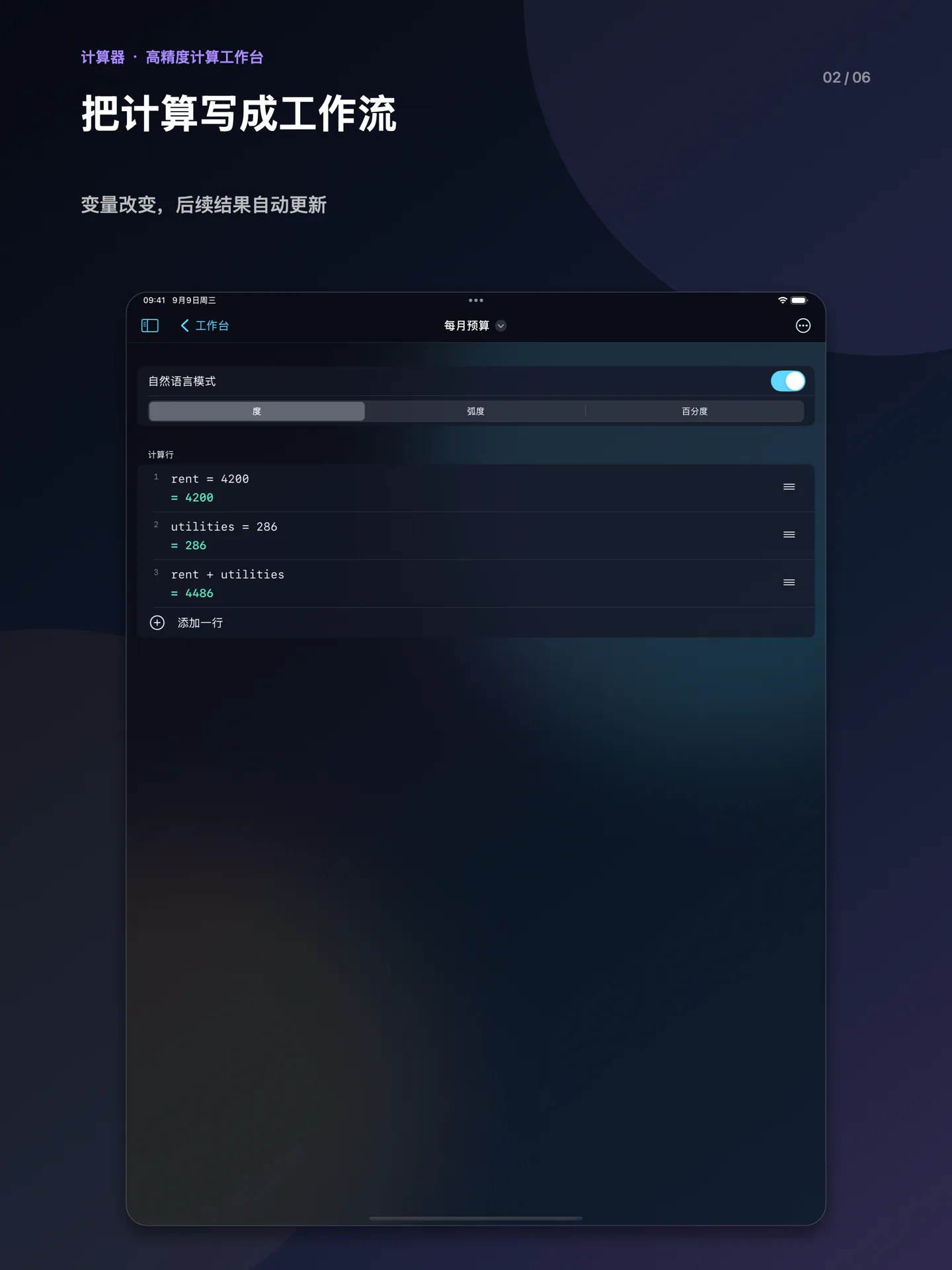
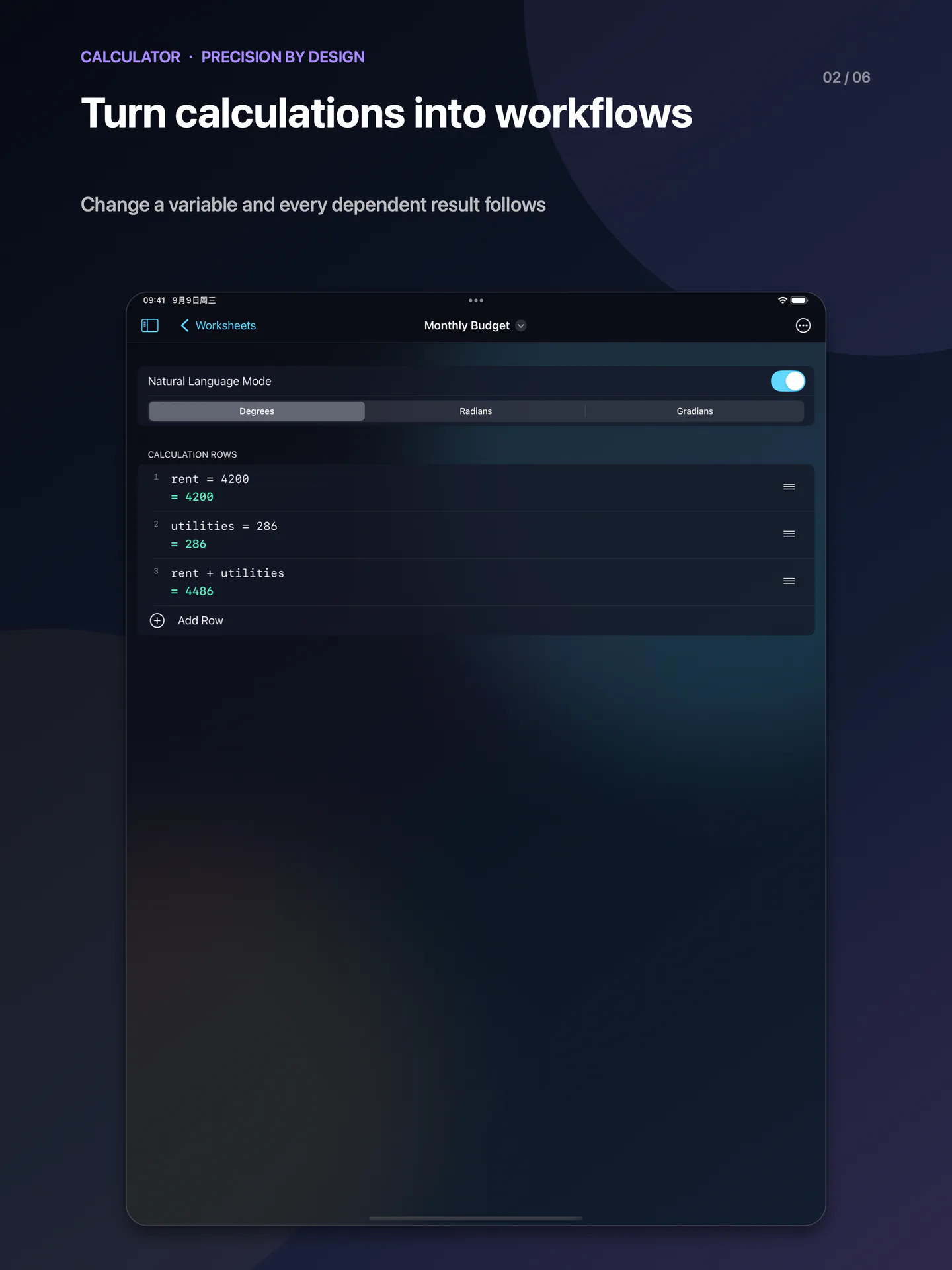
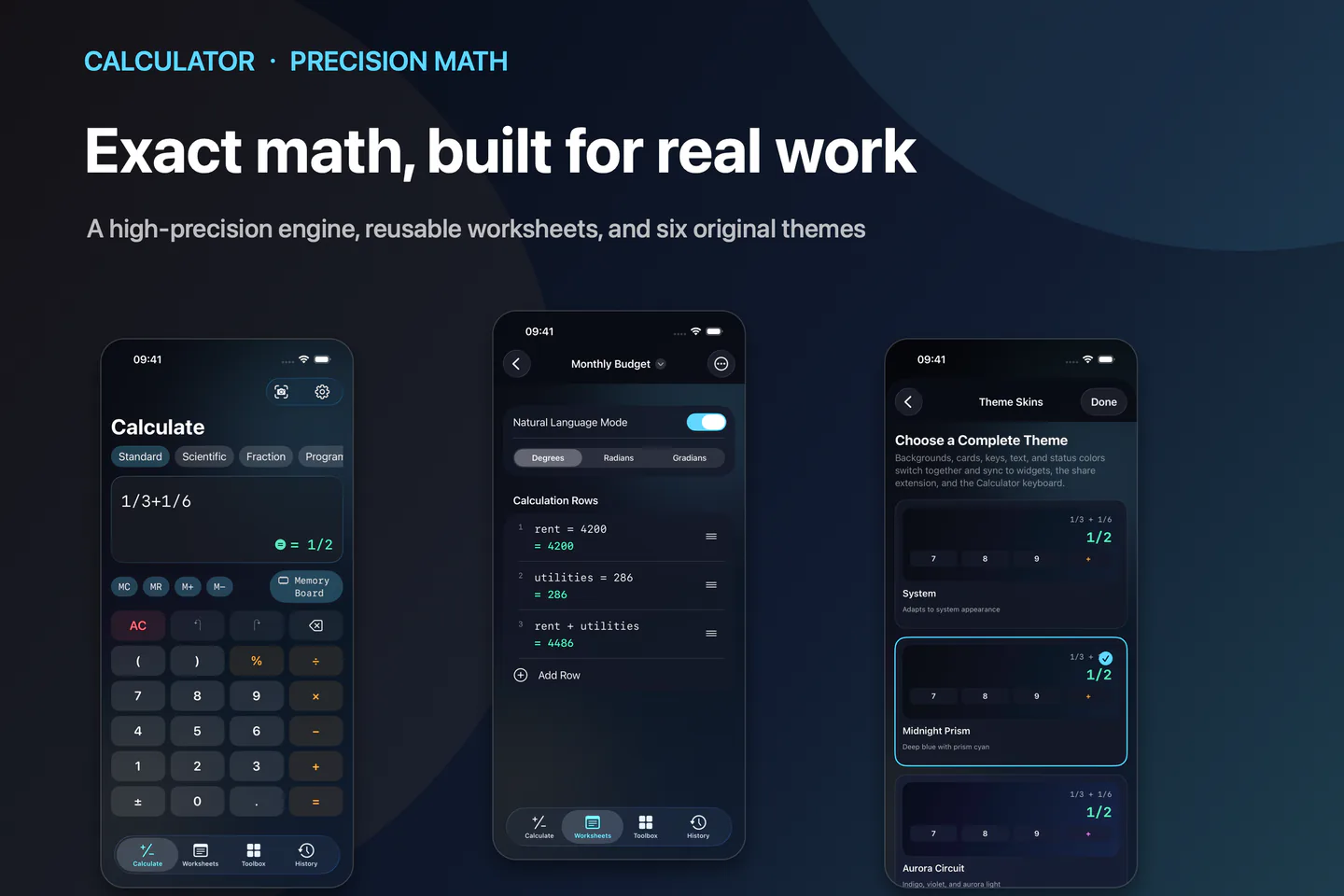
在工作台逐行定义变量和表达式。修改上游值后重算下游,使用文档、文件夹、标签及导入导出整理长期计算。
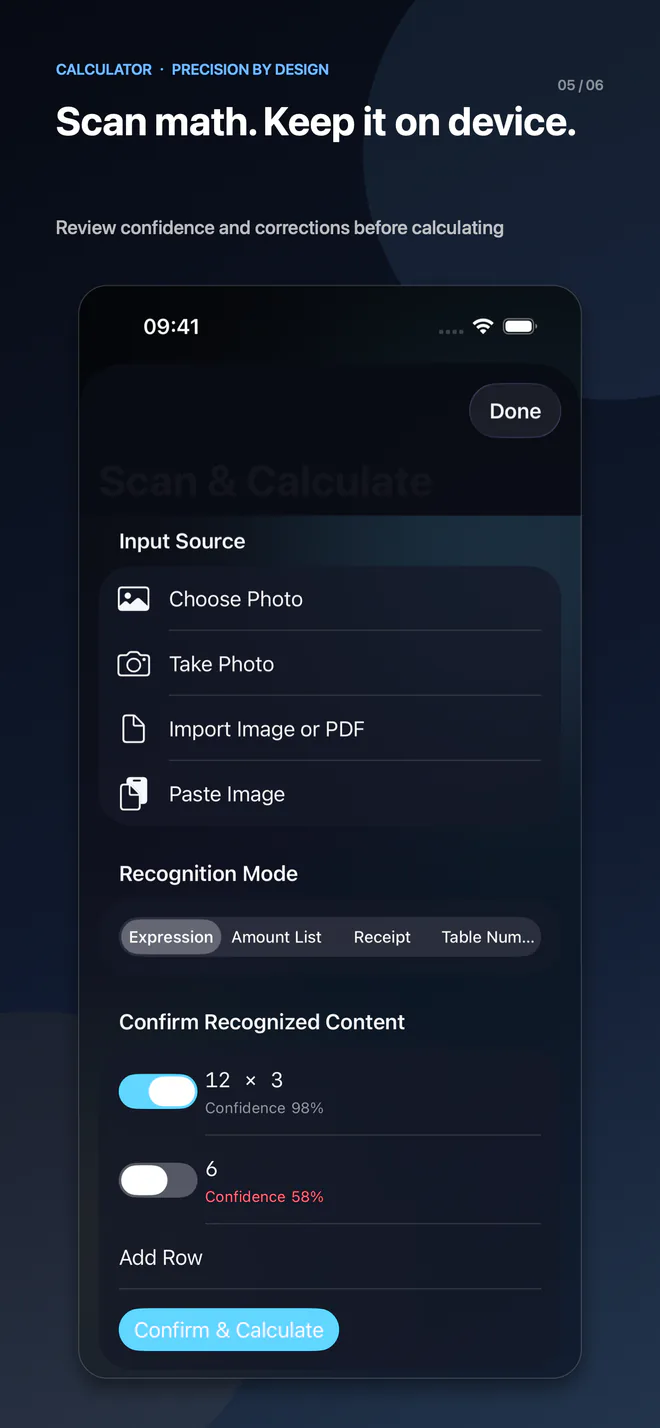
拍下来,核对后再算
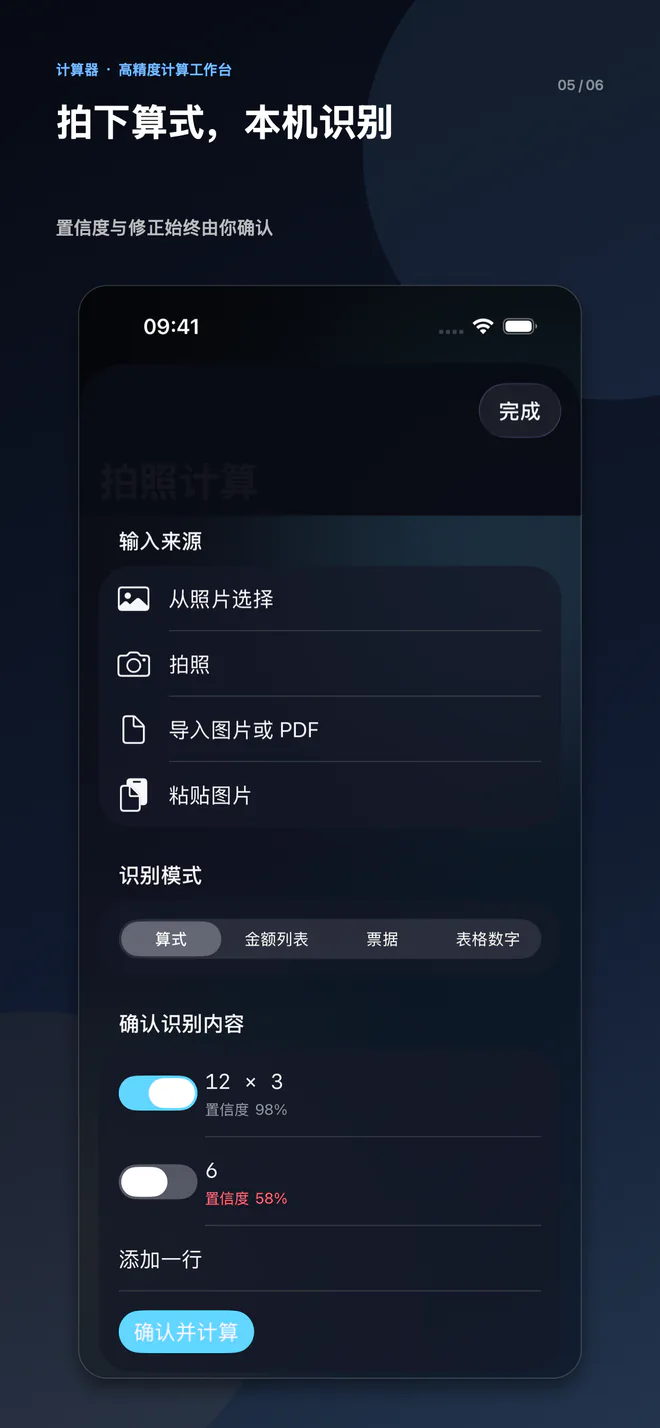
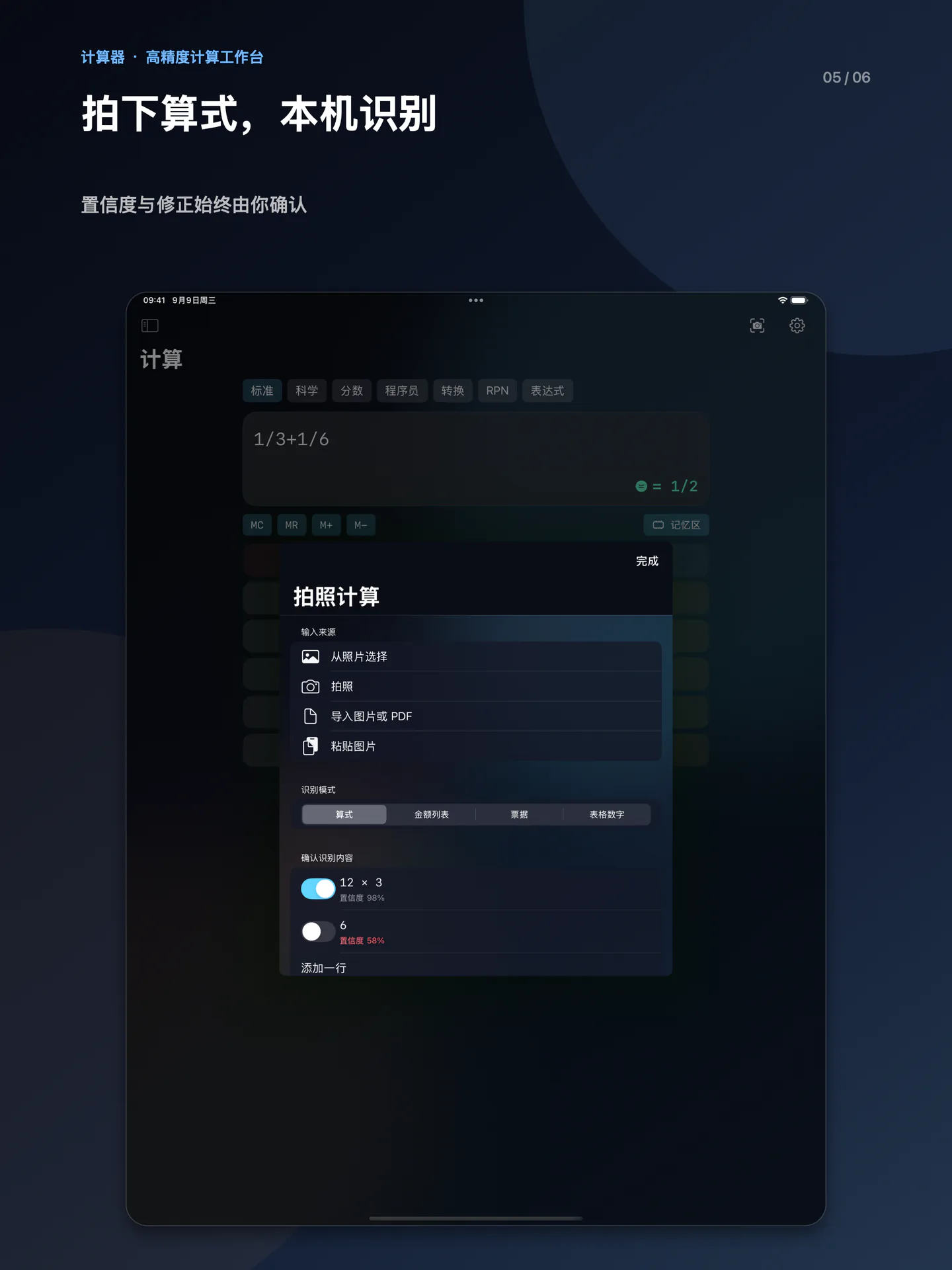
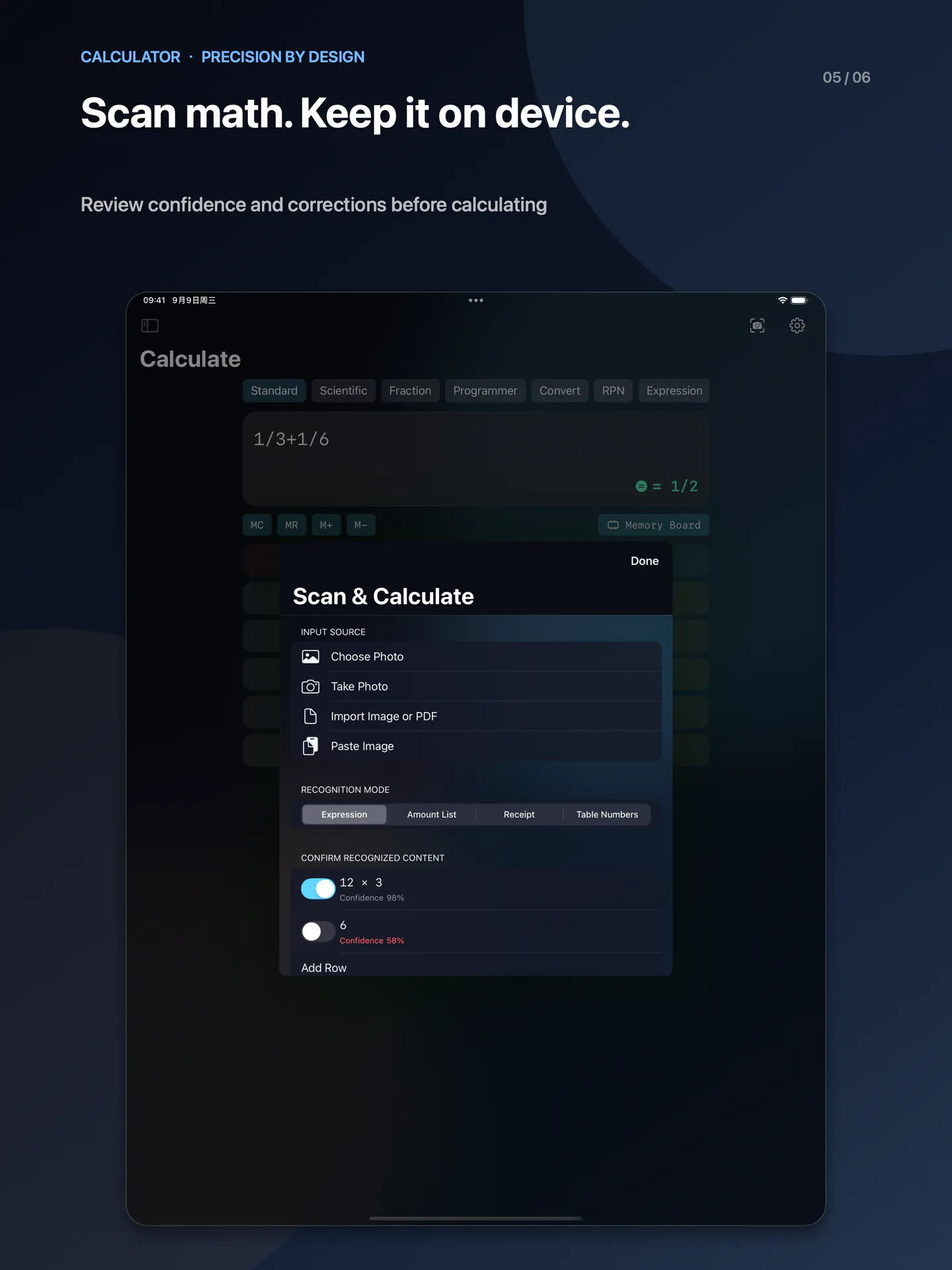
通过相机、照片、图片或 PDF 首页面导入识别文字。可校正、勾选参与计算的内容,低置信度行默认不选中,OCR 在设备本地完成。
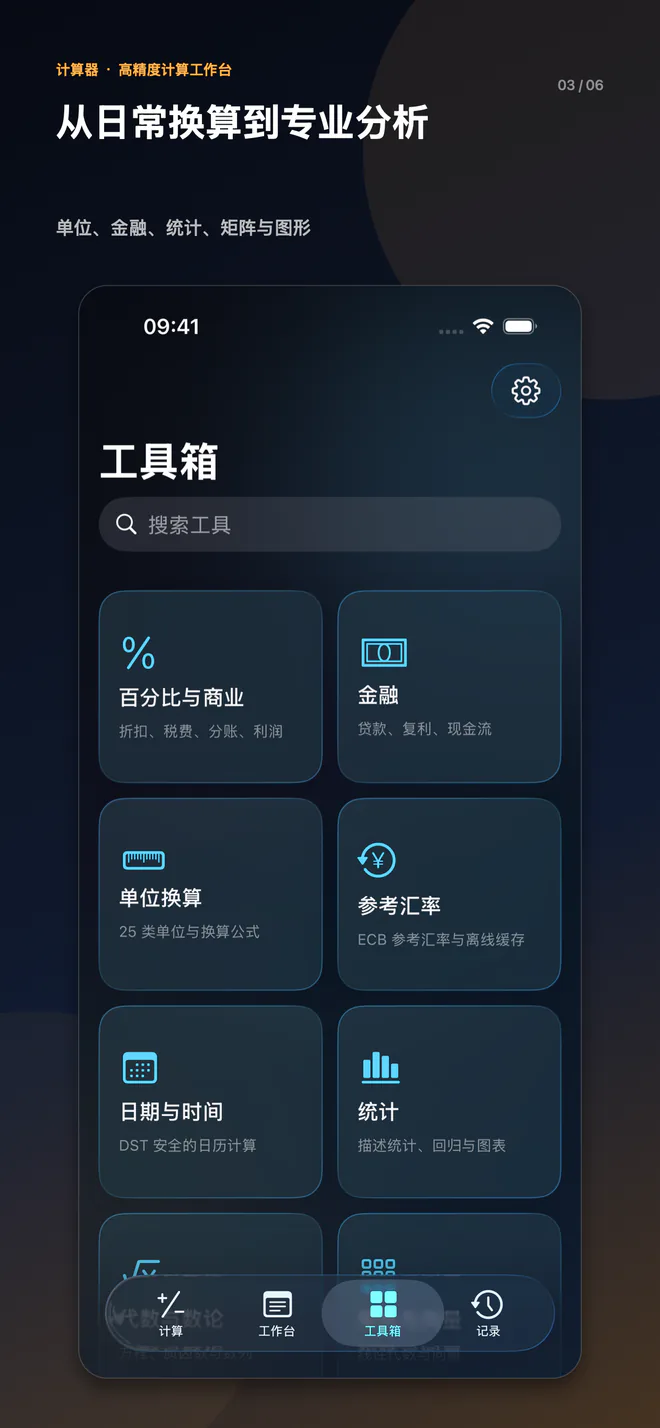
从日常,到更复杂的问题
生活与预算
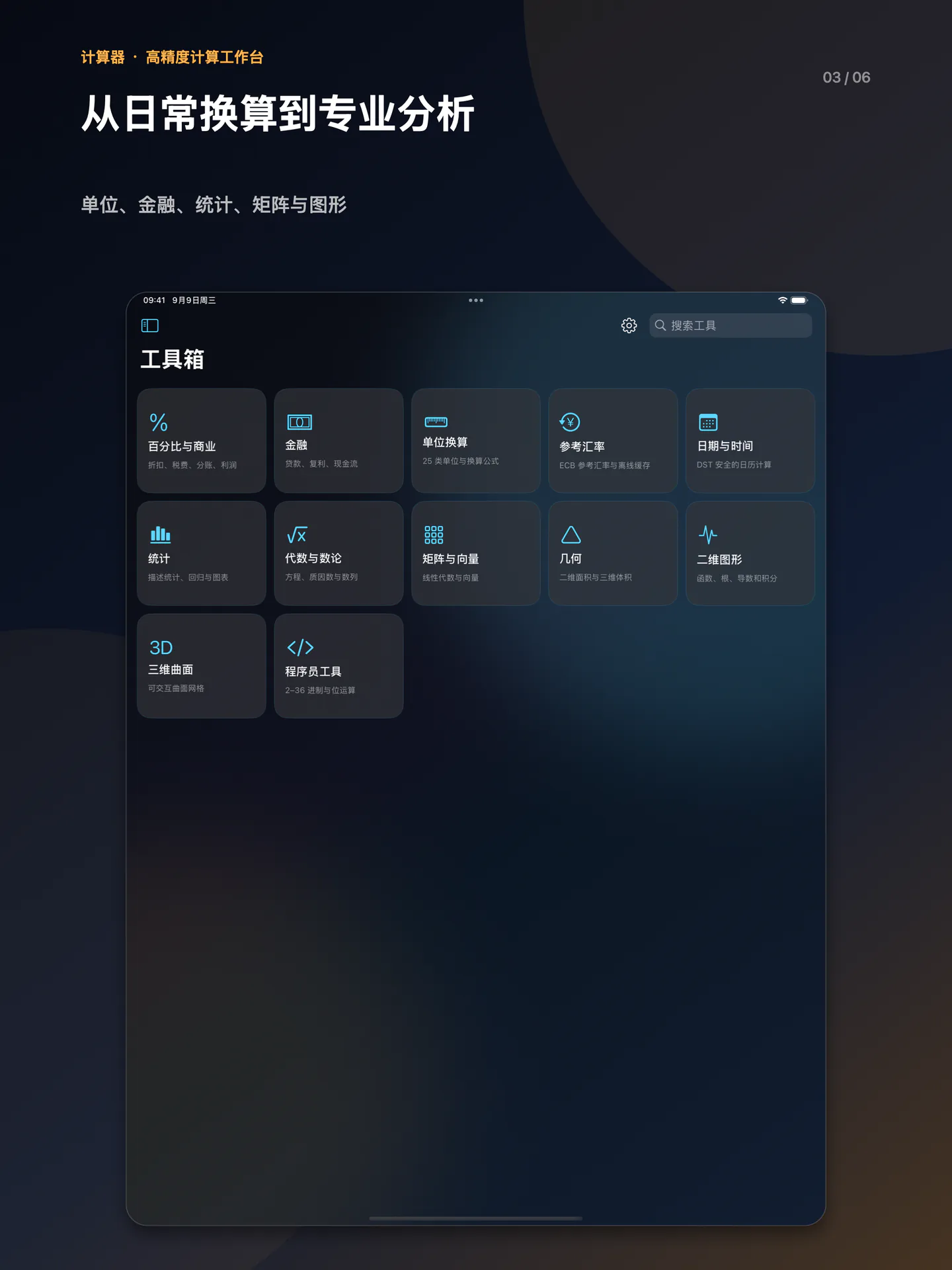
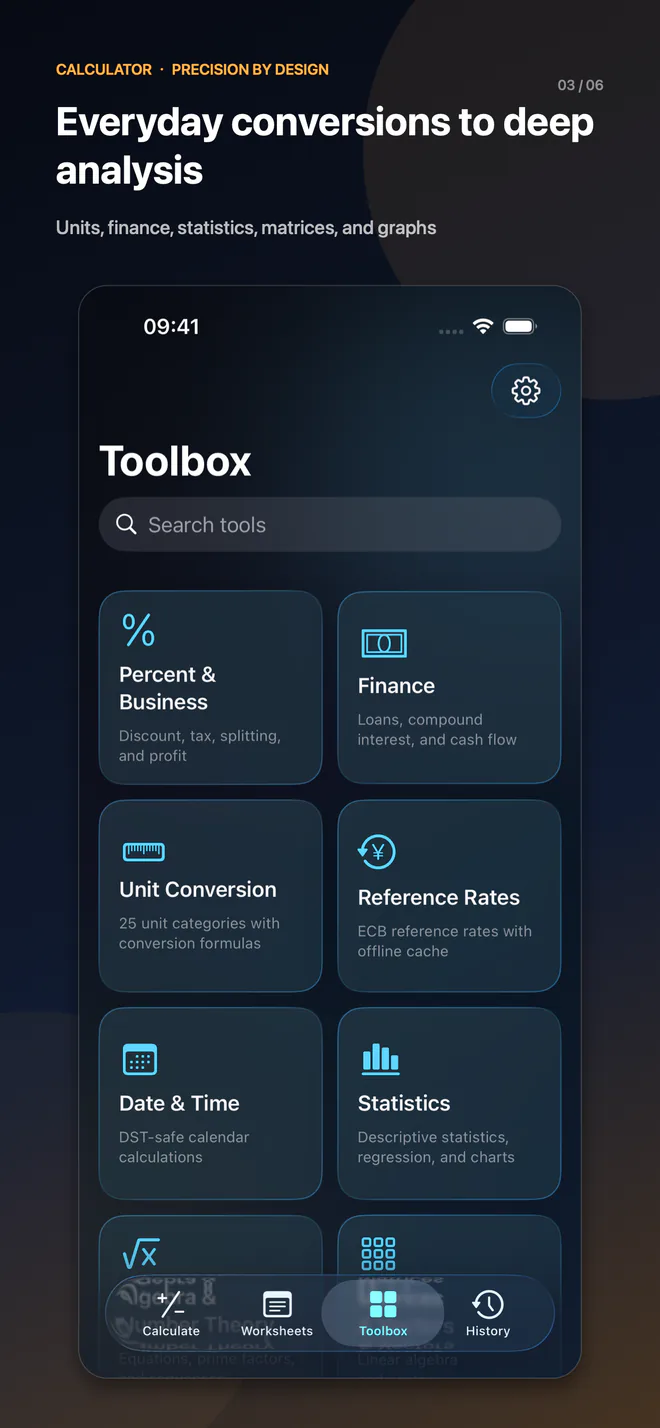
金额汇总、折扣、家庭预算、日期与工作日,以及出行时的单位和参考汇率换算。
学习与工程
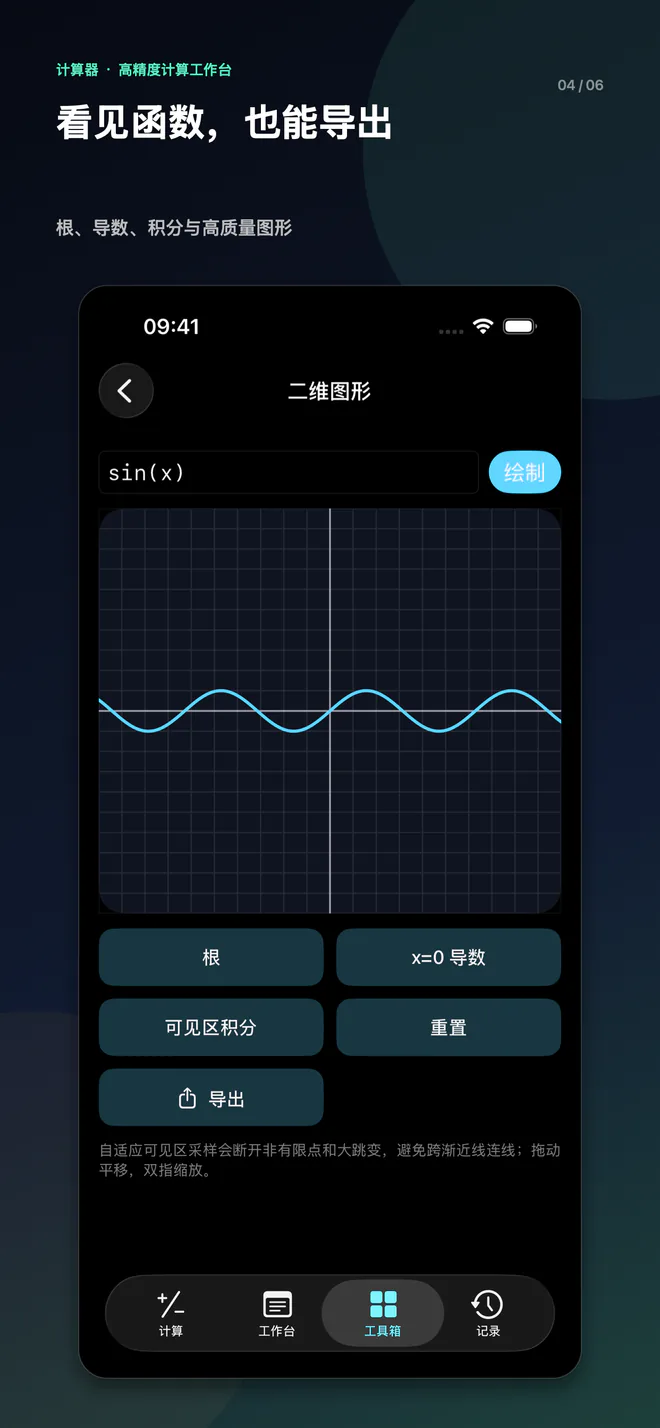
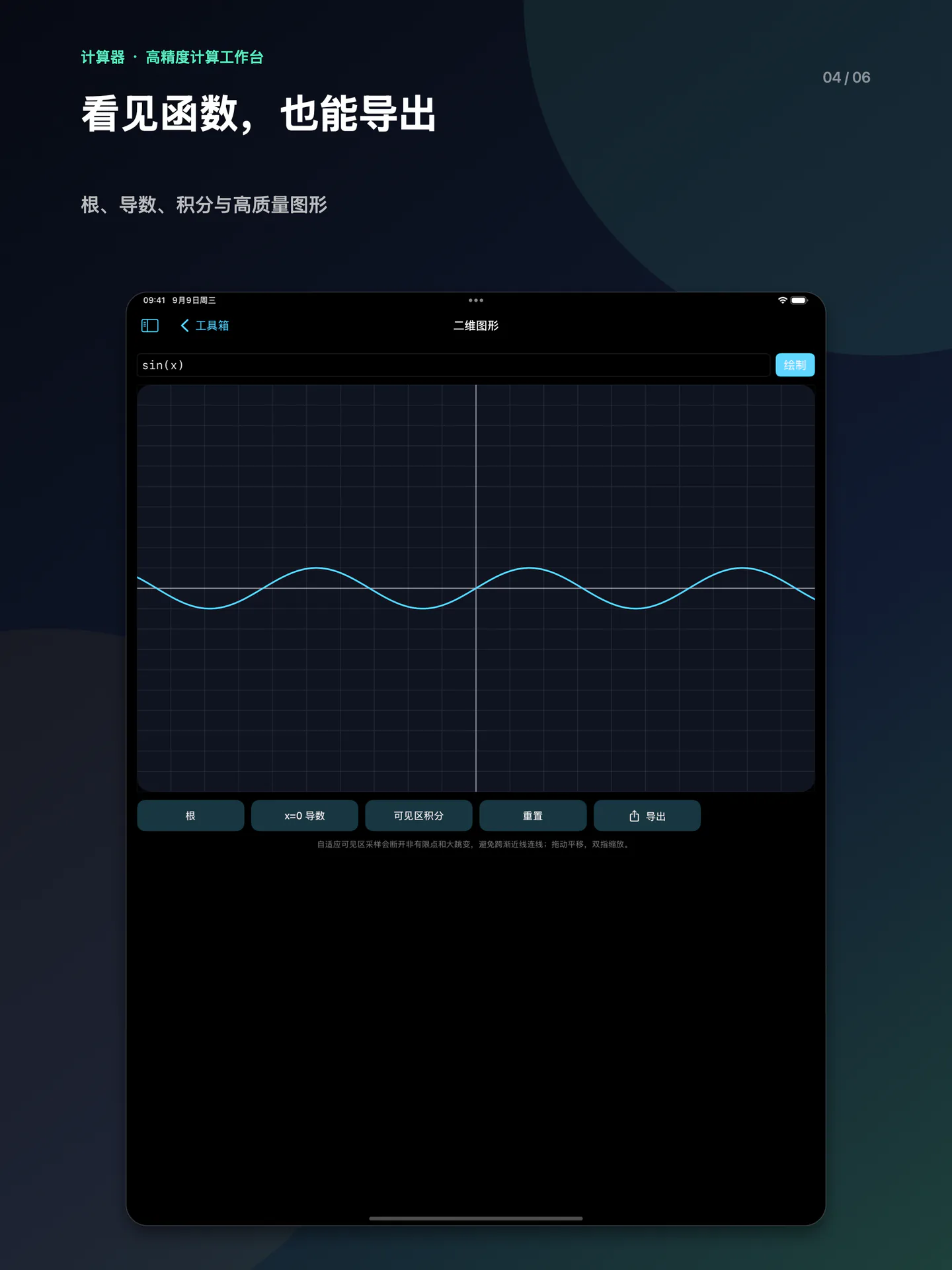
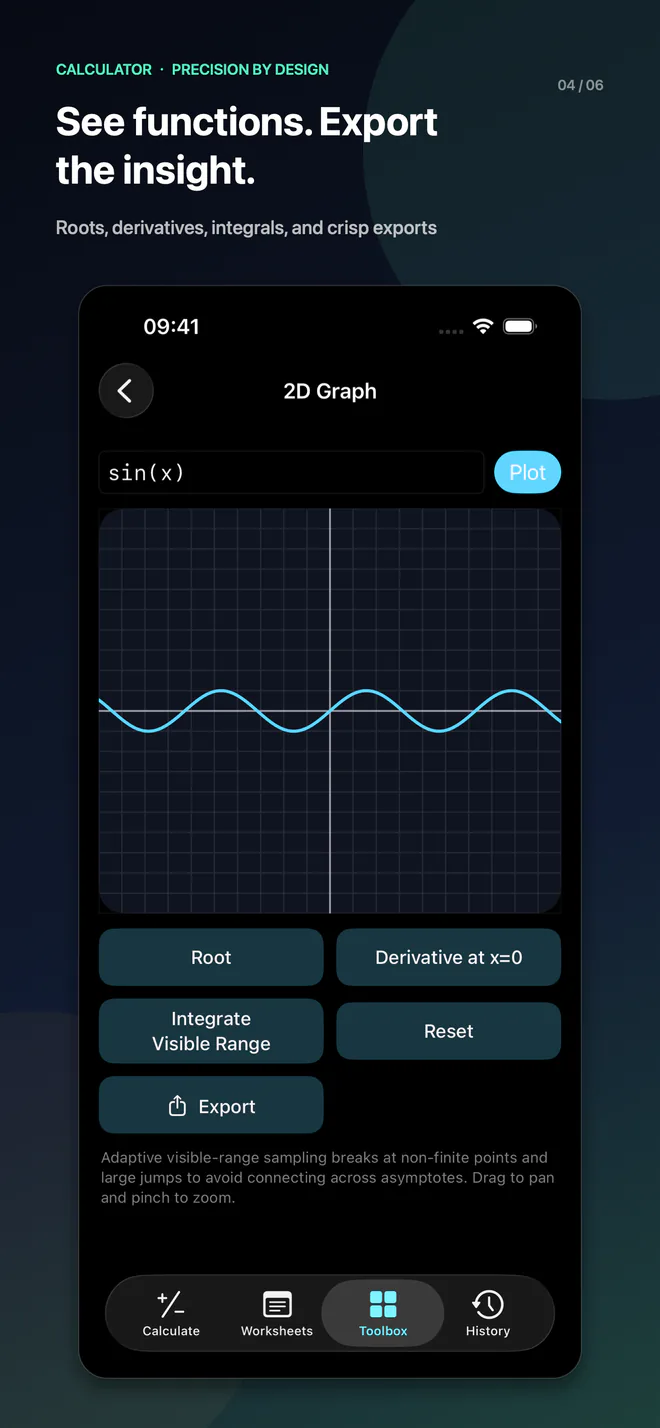
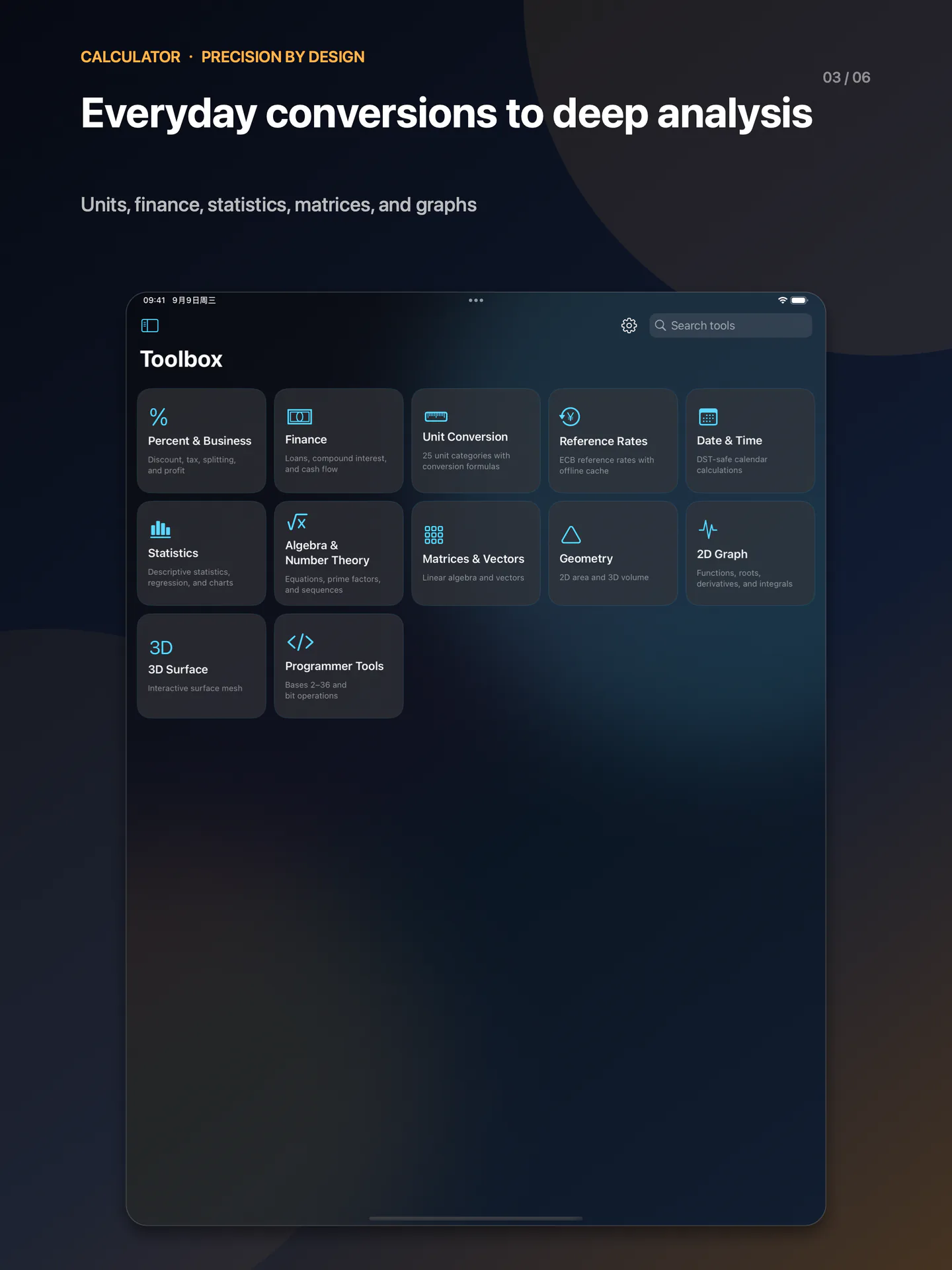
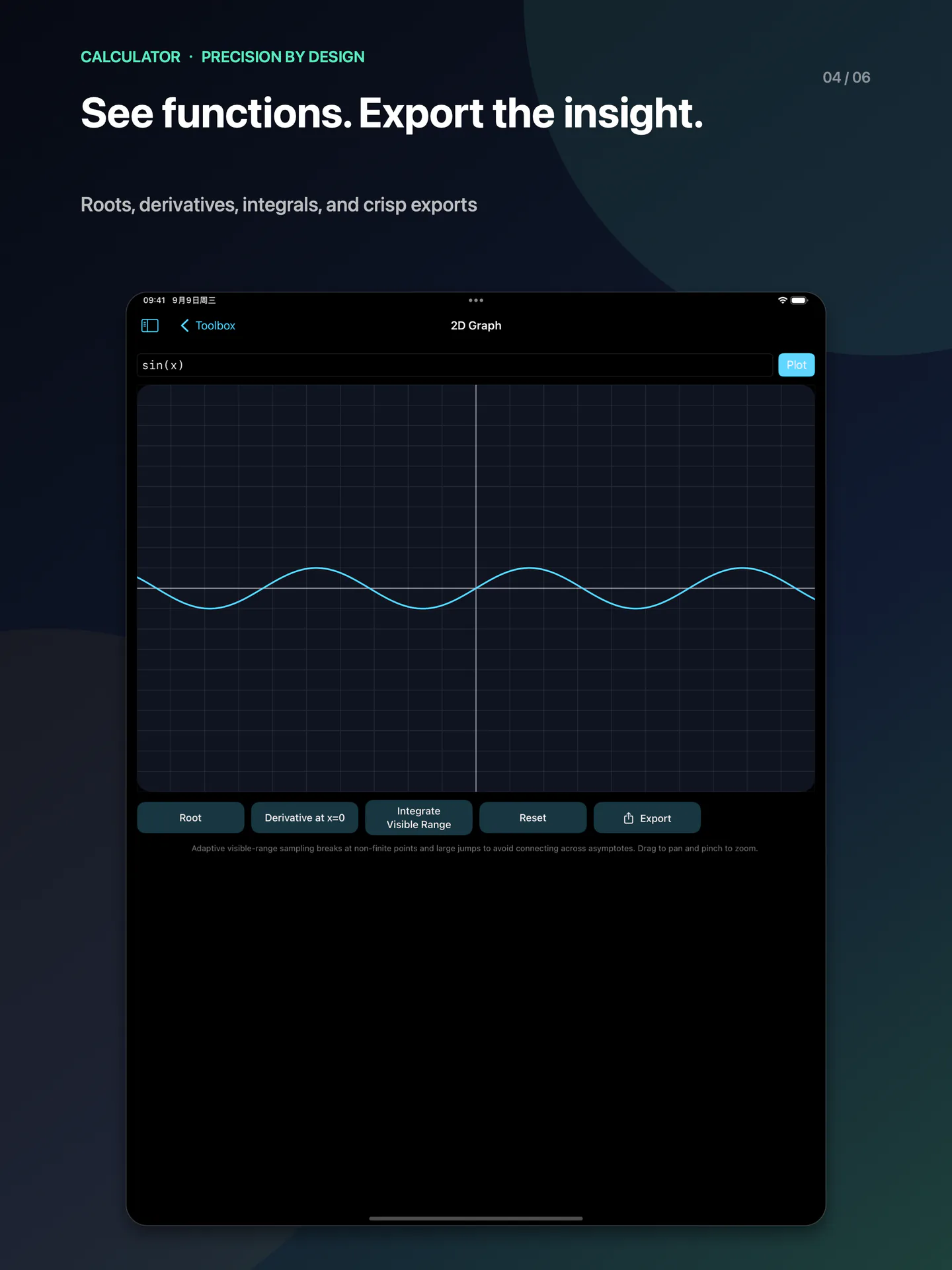
分数、科学函数、进制计算、矩阵、方程、统计回归和函数图像,配合公式库重复使用。
财务方案比较
使用贷款、复利和投资分析工具比较输入条件。结果仅供参考,不是交易报价或投资建议。
不是聊天机器人,是可核对的计算工具
智能能力集中在设备端文字识别、关联重算和计算辅助,不提供大模型对话或自动解答任意文字题。核心运算离线可用;参考汇率更新与可选 iCloud 同步需要网络。
Widget、控制中心控件、App Intents 与快捷指令、分享扩展和计算器键盘,让计算融入系统。键盘不要求“完全访问”;控制中心控件需要 iOS / iPadOS 18 或更高版本。
iPhone 6.5″ 展示图
点击图片可单独查看完整展示图。 6.5 英寸成片。
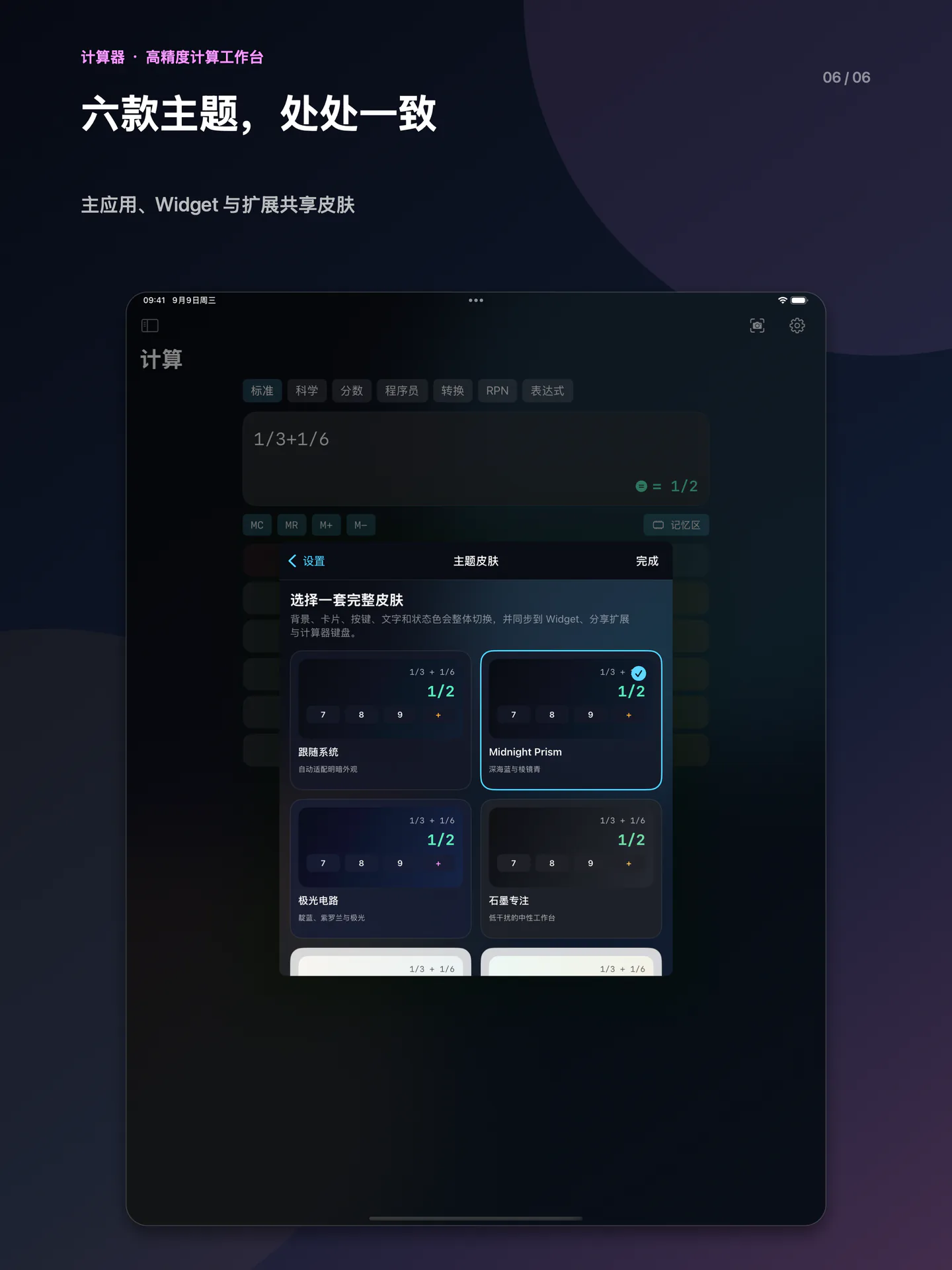
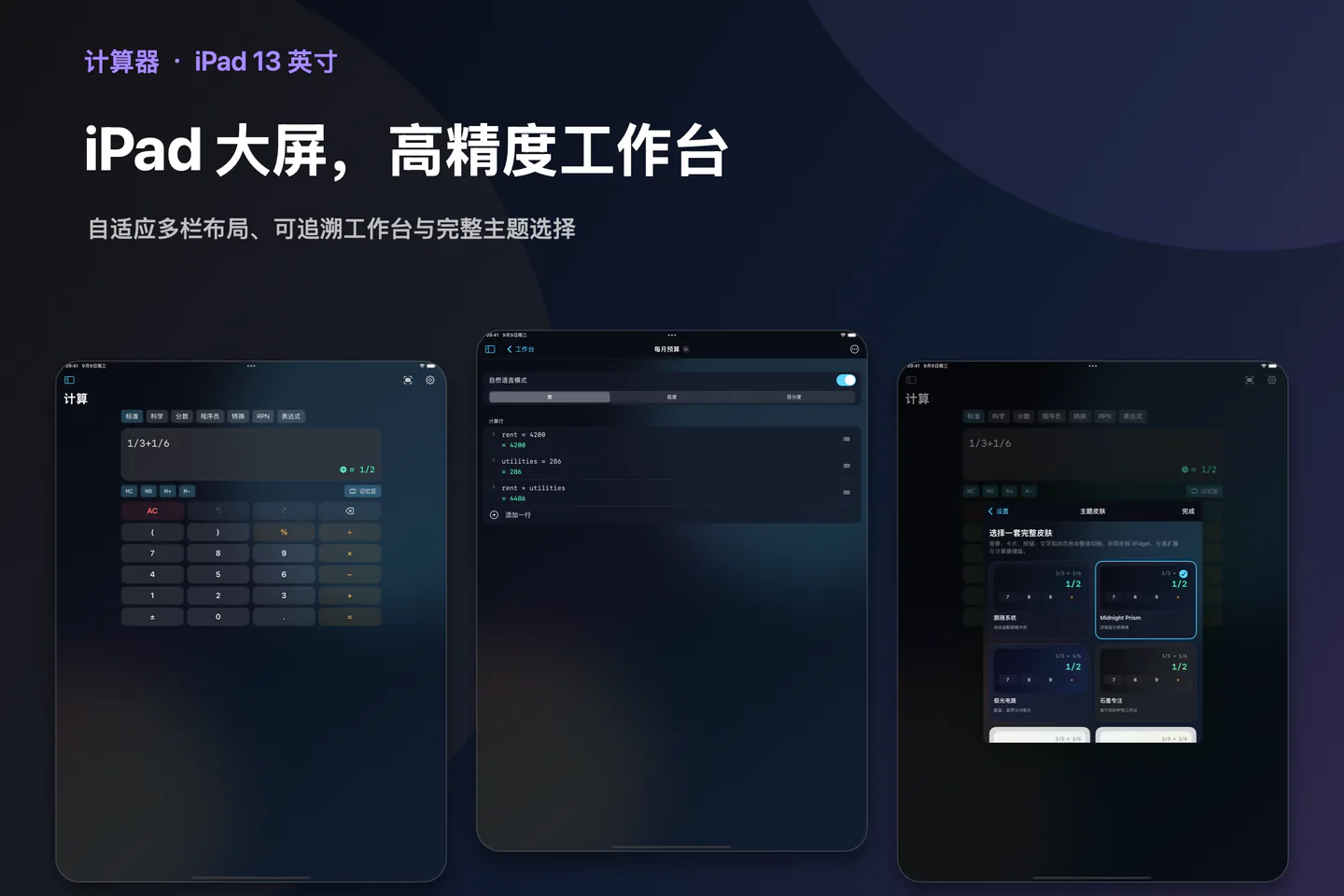
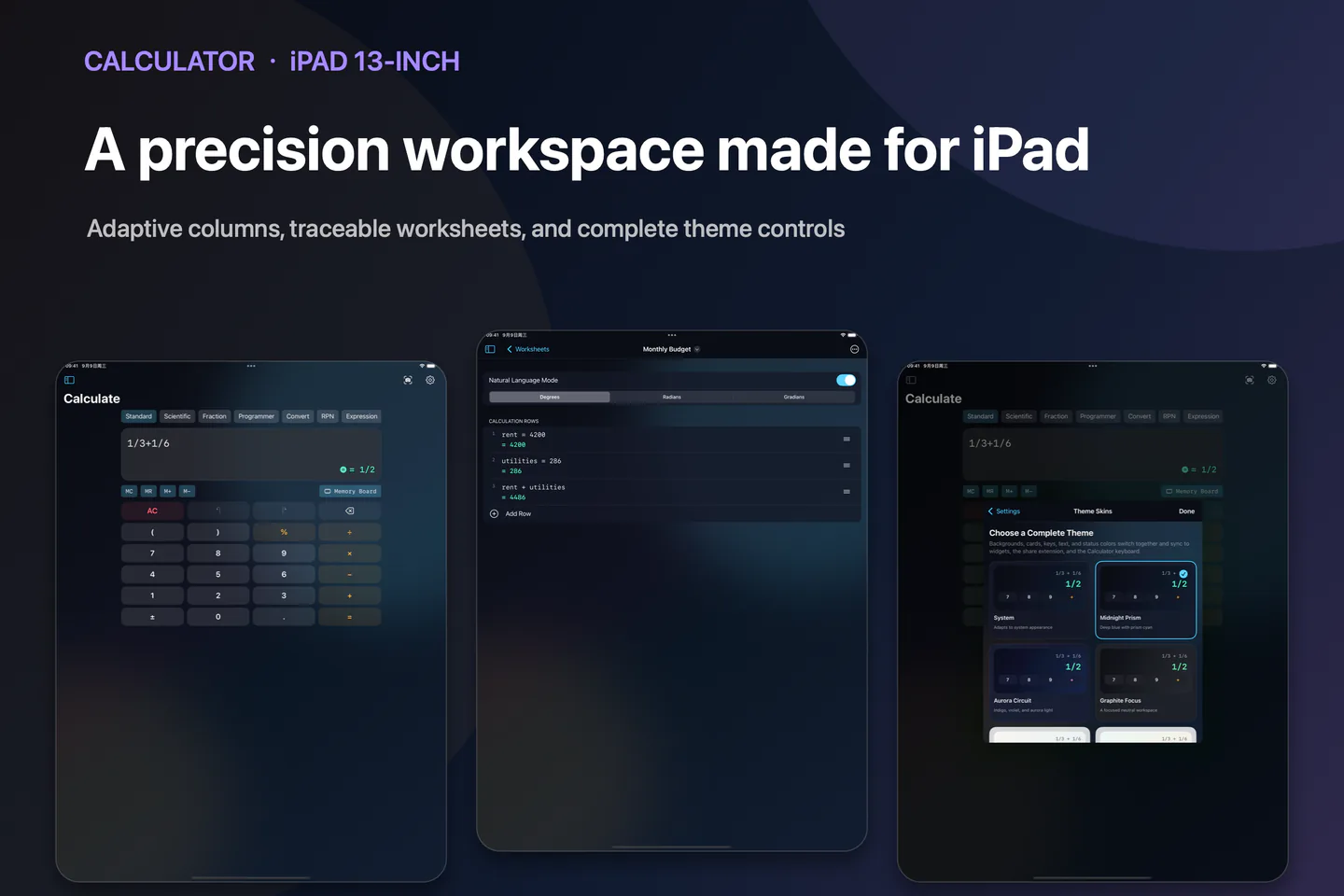
iPad 13″ 展示图
点击图片可单独查看完整展示图。
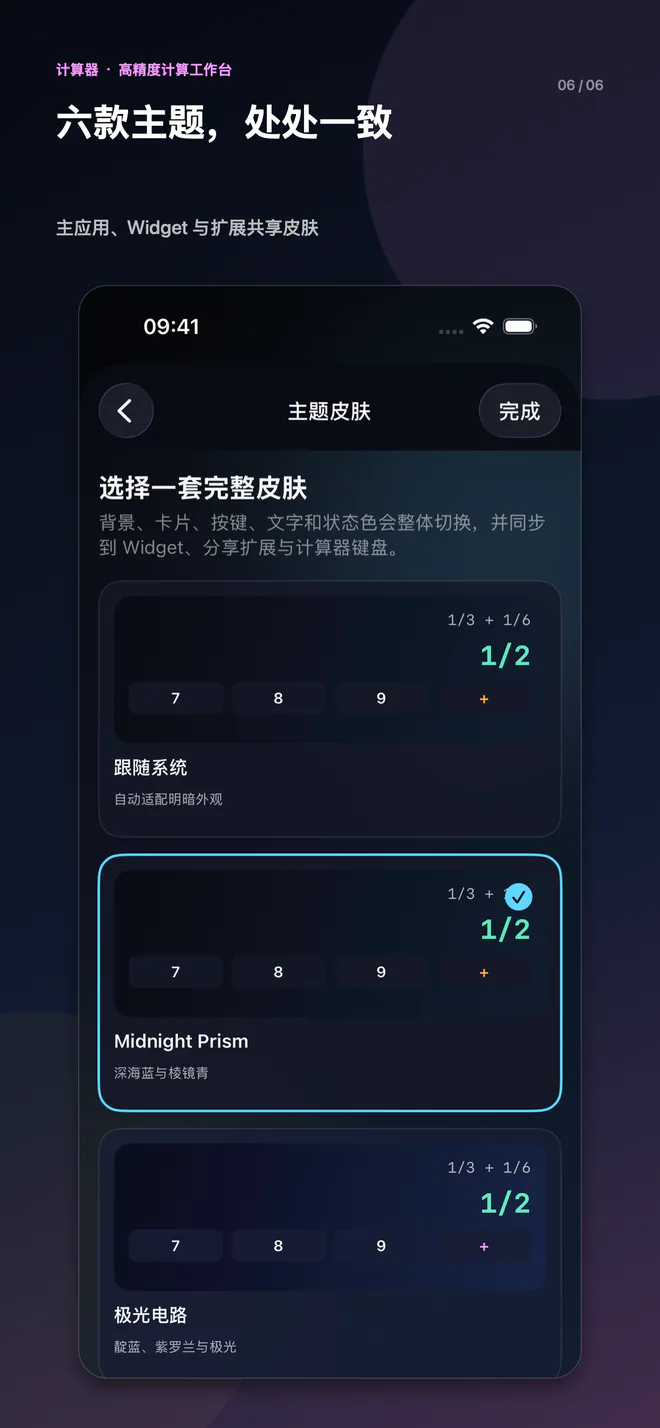
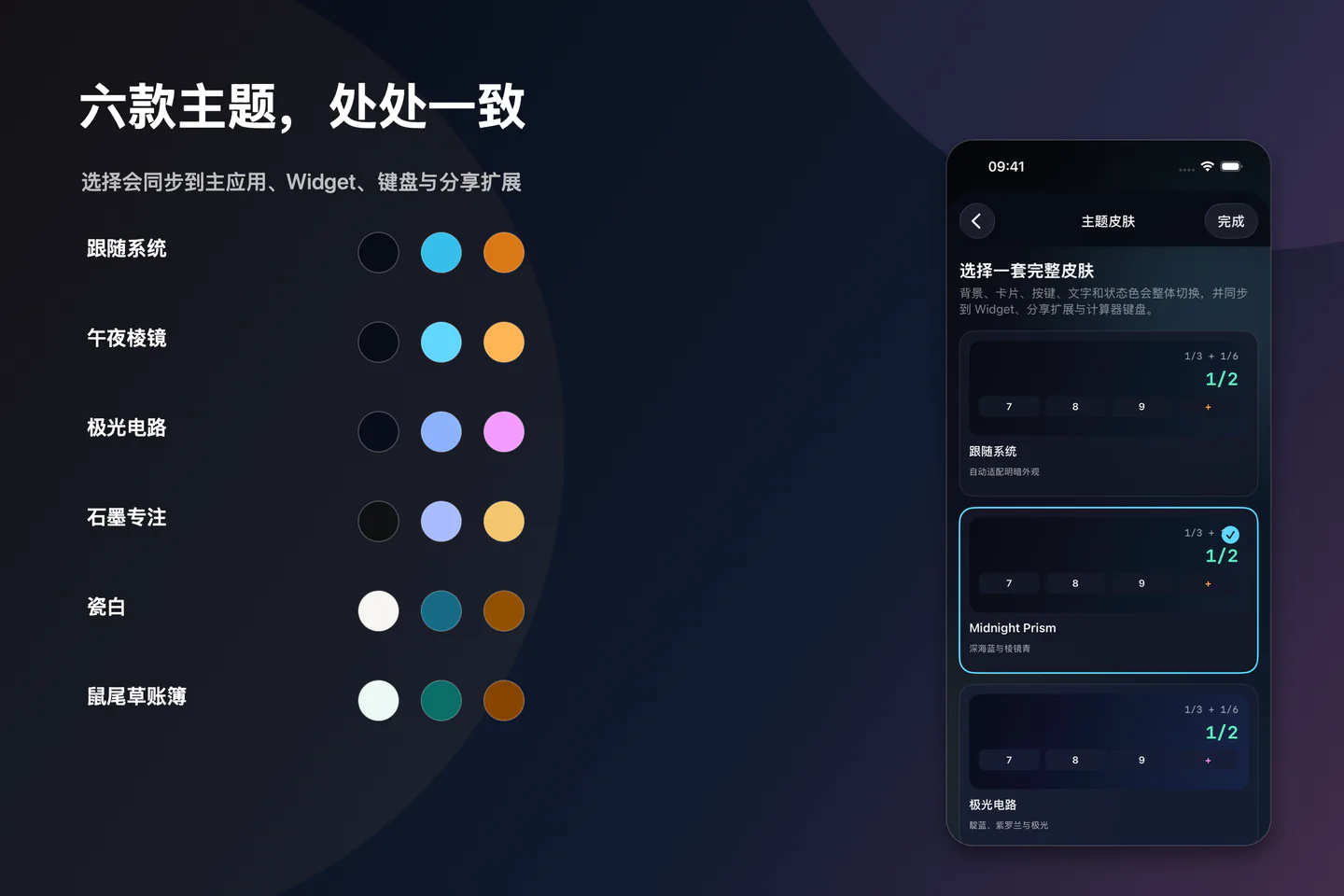
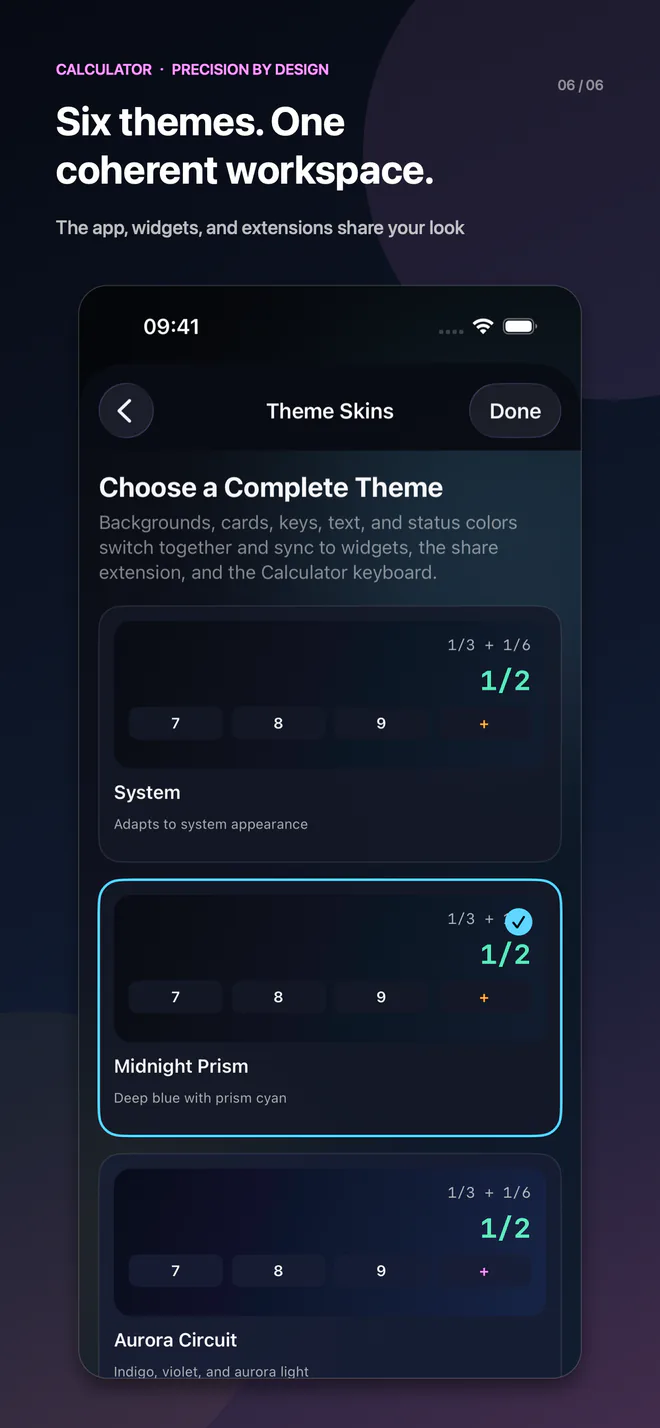
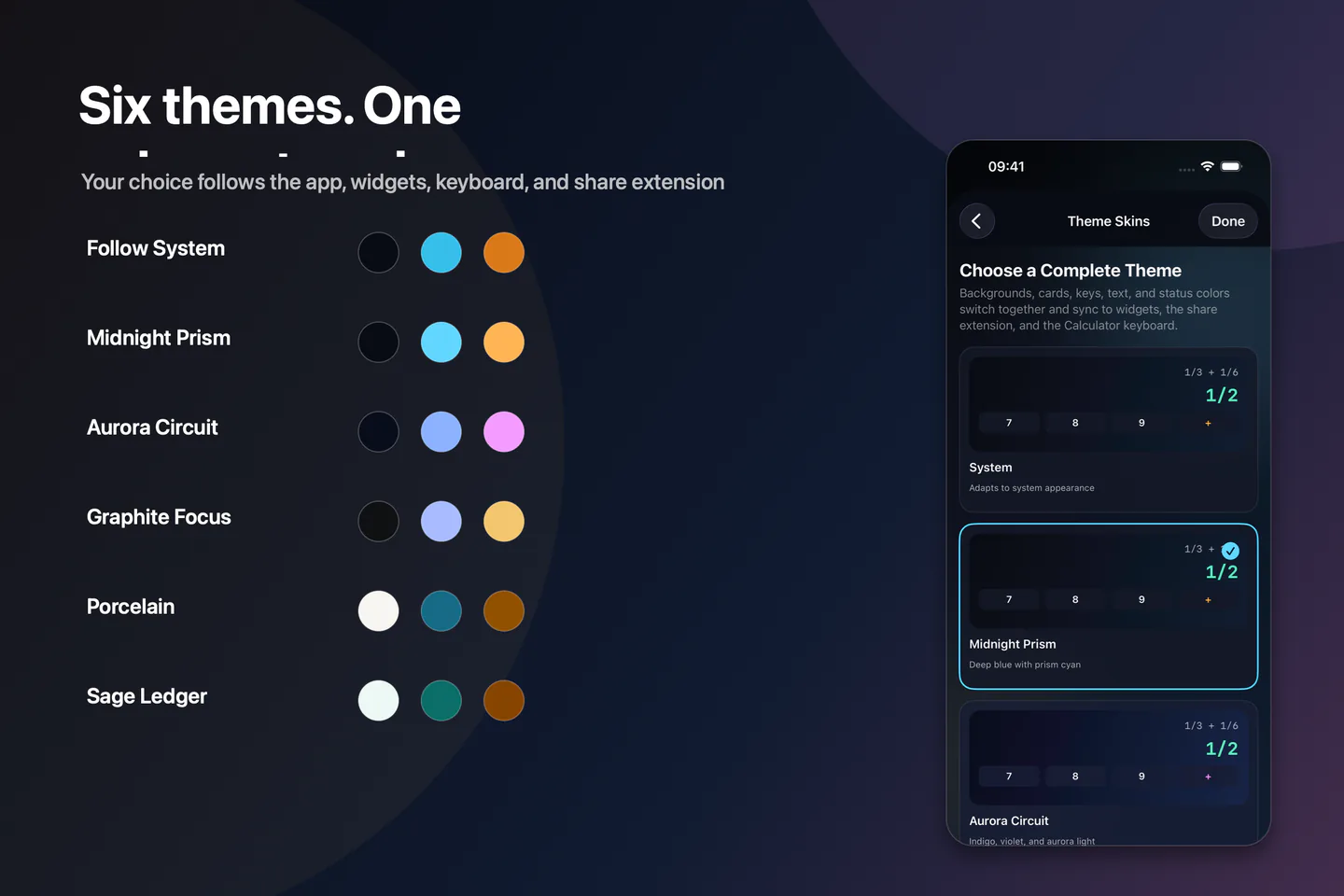
一套工作台,多种风格
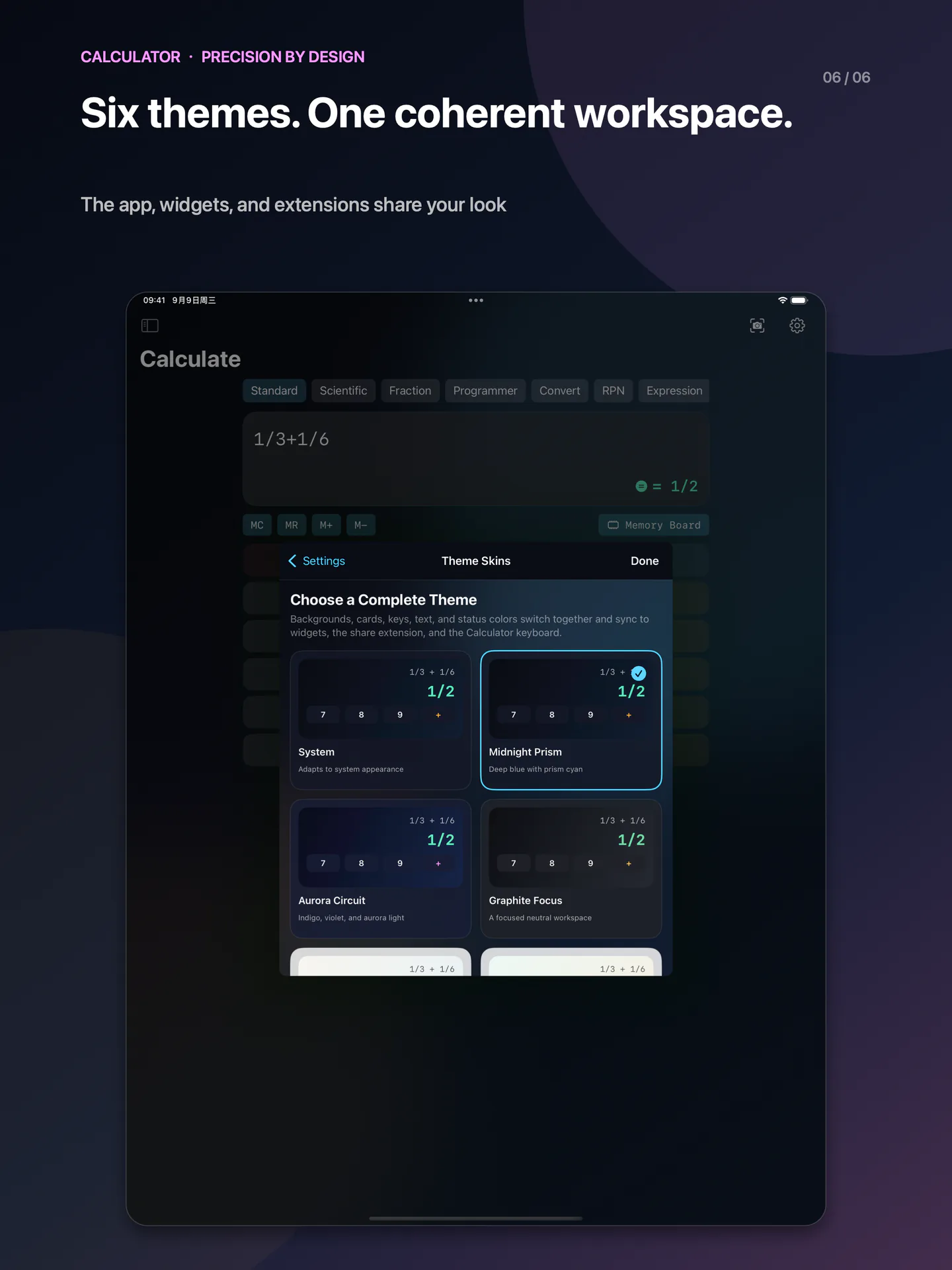
在「设置 → 主题皮肤」专门页面选择,背景、卡片、按键和文字一起切换。
A precision workspace, not just a keypad.
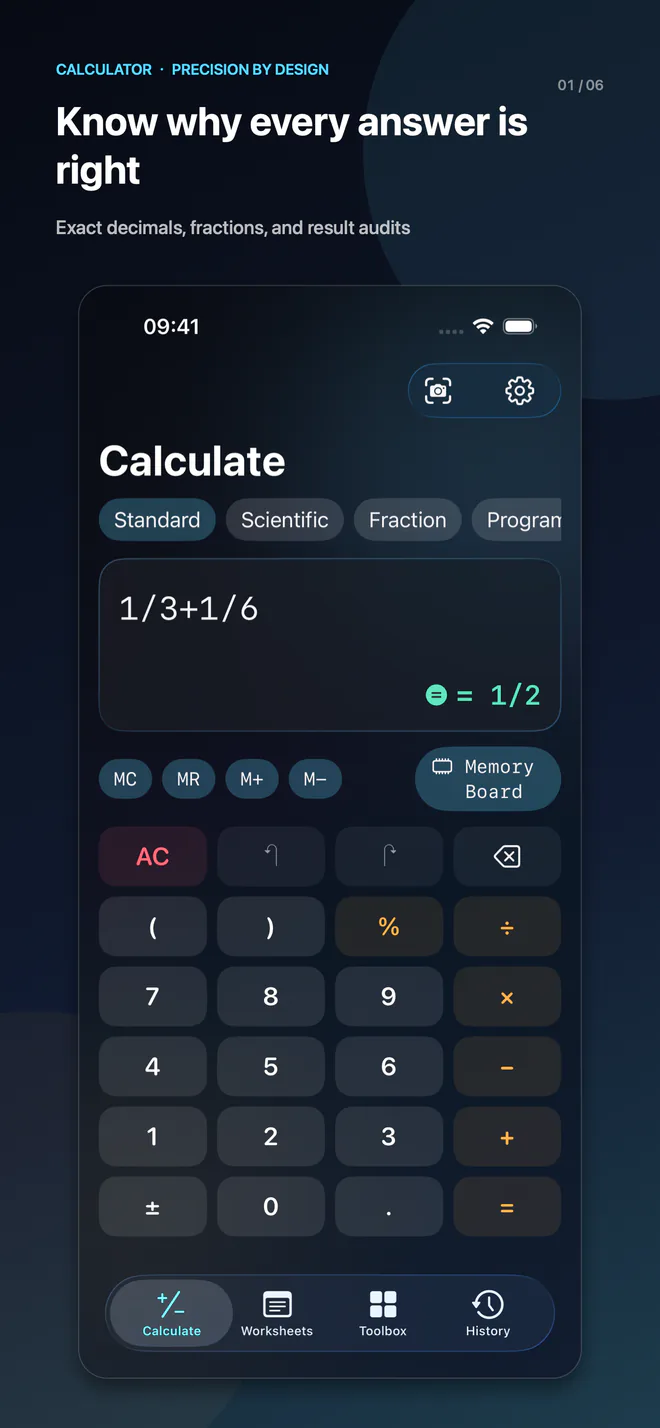
Keep expressions, results and calculation details together. Use arbitrary-precision integers, decimals and rational numbers across standard, scientific, fraction, programmer, conversion and RPN modes. Inspect precision and rounding details; approximate numerical results remain identified as approximations.
Build reusable worksheets with variables and dependent expressions, organize documents with folders and tags, and import or export your work. The toolbox includes units, reference exchange rates, dates, loans, compound interest, statistics, regression, matrices, equations, plots and saved formulas.
On-device OCR extracts text from the camera, selected images or the first page of a PDF. Review and correct the text before calculating. This is not a conversational AI or an unrestricted word-problem solver.
Six complete skins apply across the app and its shared extension palette. Widgets, App Intents, Shortcuts, sharing and a keyboard that does not request Full Access fit your workflow. Control Center controls require iOS / iPadOS 18+. The app supports iOS / iPadOS 17+, Simplified Chinese and English.
Version 1.0.0 is being prepared for review. A paid download includes all features, with no in-app purchases, subscriptions or ads. Core calculation works offline. Optional private iCloud sync and reference-rate updates require a network. Pricing and availability will be determined by the released App Store listing.
iPhone 6.5″ Screenshots
Open any image to view it individually. 6.5-inch export canvas.
iPad 13″ Screenshots
Open any image to view it individually.
One workspace, your style
Choose a complete skin in Settings → Theme Skins.
喜欢就分享,评价由你决定
在「设置 → 支持与分享」分享 App Store 链接,或主动前往 App Store 评价。自动评分邀请根据本机使用天数和完成次数控制频率,只在完成计算并停止操作后尝试,可随时关闭;不会读取评分或评论,也不会要求先给好评。
Settings → Support & Sharing lets you share the App Store link or open its review page. Optional automatic requests use local usage counts and dates, wait until you finish and pause, and never read your rating or require a positive review.